One of the most common issues with running frequent-enough load tests is the unreliable results, caused by the dependencies surrounding your system. Because you are relying on vendor sandboxes and non-prod APIs, teams often find that these dependencies end up as more volatile than the system under test itself. This article walks through why that happens, a methodology for isolating what you’re testing from unnecessary dependencies, and what changes when you take ownership of your test dependencies.
Your Dependencies Are Undermining Your Load Test Results
You set up your load generator, point it at your service, and ramp up traffic. The dashboards look great until errors start streaming in. When you try to reproduce the results the next day to get to a root cause, you can’t. The reason is usually the same: uncontrolled dependencies.
Your checkout service calls a payment API, a pricing engine, an inventory service all run by different 3rd parties who run sandboxes or test APIsthat you access in a patchwork of ways. Each introduces latency, error rates, and behavioral characteristics you don’t own and can’t predict - and that’s if they’re current and reliable to begin with. When you ramp to a thousand concurrent users, you’re measuring a composite of every service in the chain — most of which belong to someone else. None of them behave consistently:
- Third-party sandboxes are unreliable. Providers won’t let you hammer their test environments with production-level traffic, and sandboxes run different code on different infrastructure.
- Internal staging APIs are shared. They’re split across teams, rate-limited, or down when you need them.
- Tuesday’s environment is not Thursday’s. The conditions you tested against yesterday may already be gone.
You can’t reproduce results across runs, can’t isolate whether a latency regression came from your service or from the pricing API having a bad day, and can’t test failure scenarios you don’t control. The load test report becomes a snapshot of conditions you didn’t choose and can’t replicate.
The way out is to own everything around the system under test. Define how every dependency behaves — latency, error rates, data shapes — so the only variable changing between runs is what you’re actually trying to measure. Simulation gives you that ownership.
Isolate Variables with a Baseline-to-Chaos Progression
Replacing every external dependency with a simulated version you control allows you to introduce complexity one layer at a time. When your P99 degrades or your error rate climbs, you know what caused it because you controlled what changed. That precision is impossible when testing against live dependencies that shift between runs.
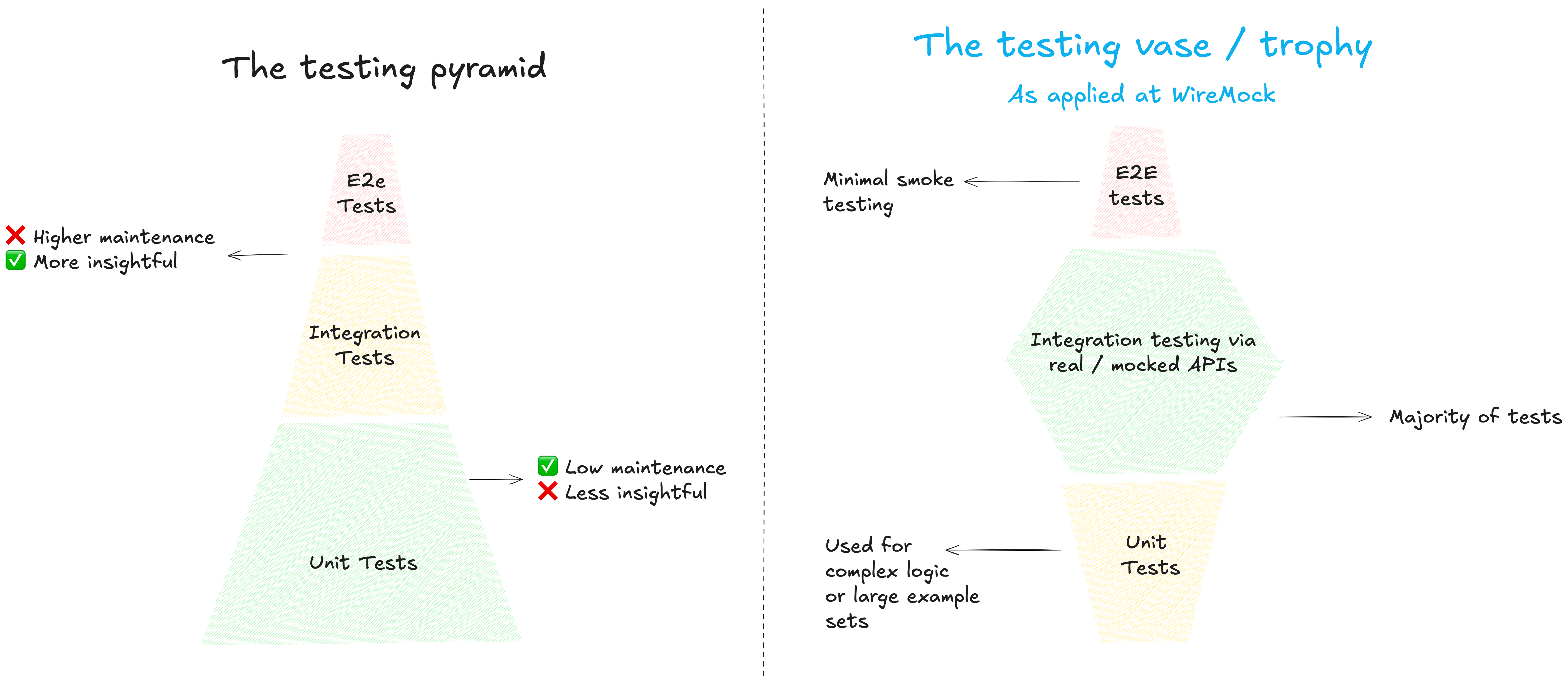
Because you’re testing one service against simulated dependencies — not orchestrating a full staging deployment — teams can run these tests per-service, per-build, catching regressions weeks before a traditional end-to-end gate would. The key here is that the 3rd party vendors are typically intended as part of the load testing scenario to begin with – they are added complexity, undermining your tests without even being the intended target.
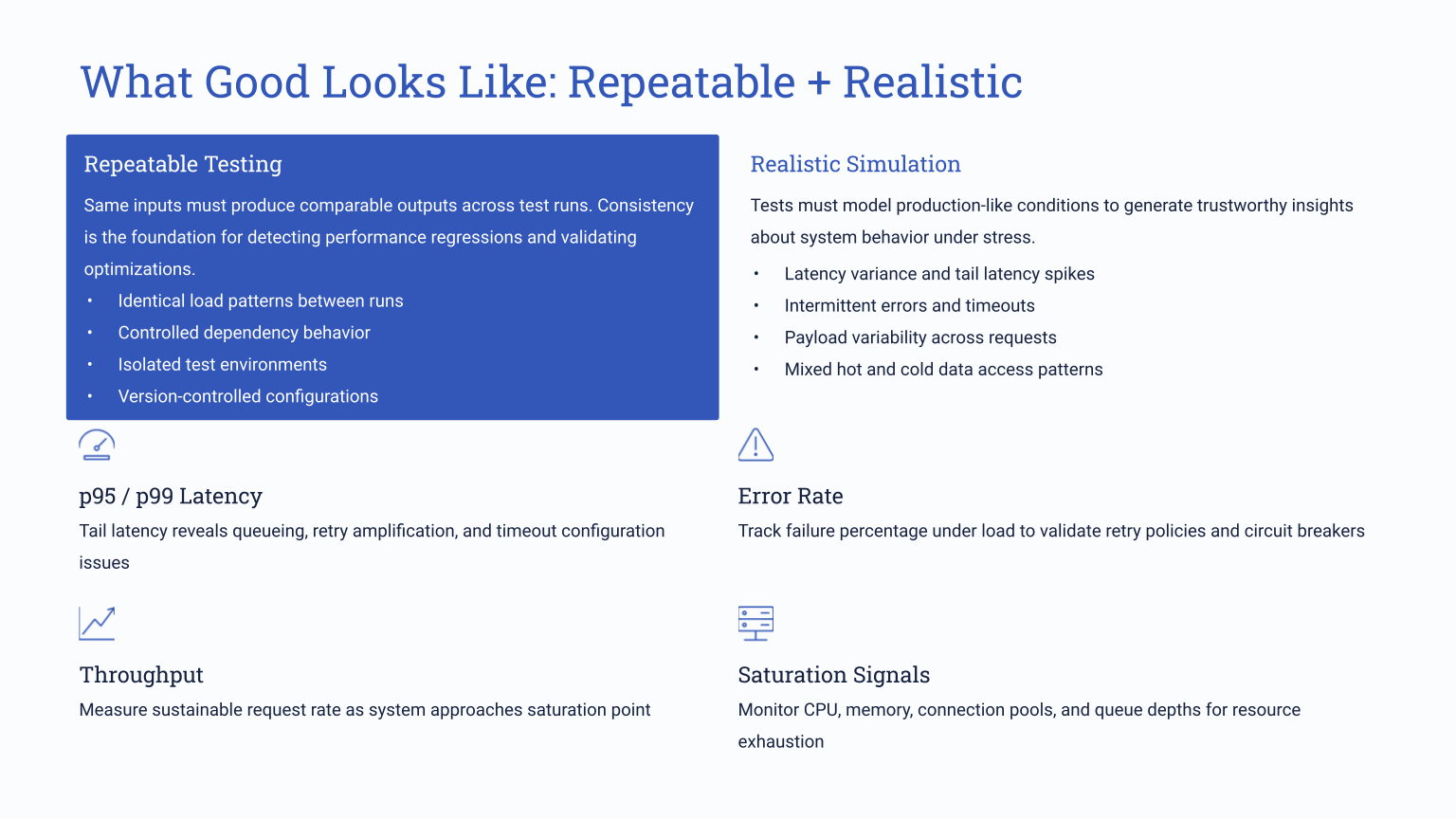
Start with a clean baseline
When running a performance test for the first time, we recommend setting all simulated dependencies to zero latenc and zero errors to get a baseline result. You can ramp up traffic from there. You’re now measuring the inherent performance of your application — garbage collection pauses, connection pool behavior, thread contention, memory pressure. Having this baseline data helps understand what’s going wrong later once you layer in external variables.
Add production-like dependency behavior
With simulated API dependencies via a tool like WireMock Cloud, you can take the data you have onl response times from your observability tools, or your SLA standards, and configure simulations to match. A pricing API averaging 200ms with occasional spikes to 500ms. An inventory service responding in 50-80ms. These are easy configurations to set up with an API simulation platform, but nearly impossible to control for with live dependencies.
Now, break things!
With WireMock Cloud’s easy chaso mode, you can start adding failures - fault injections, random 5XX errors at a defined rate, rate limiting on a specific upstream service, intermittent brownouts. All the things you want to catch early, but in an easy to isolate and controlled way.
A 2% error rate from an upstream API sounds trivial until it triggers cascading retries that spike your P95 by 400%. Effective chaos testing surfaces these interactions so you can tune your resilience configuration before production does it for you.
Common Pitfalls That Erode Load Test Reliability
The methodology above only works if your simulations behave like the systems they replace. Get them wrong and your load test will still look right — dashboards green, traffic ramping — while producing numbers that fall apart in production. This is where historically mocking comes up short, even as relying on live dependencies can be even worse. With teams who come to us having tried traditional mocking, we see the same problems pop up over and over:
Unrealistically fast mocks. Developer-built stubs default to zero latency because that’s what you want in a unit test. But when those stubs back a load test, they silently remove the most important variable: time. Your service looks fast until production adds 50-250ms per downstream call and throughput drops by half. Configurable latency — fixed, randomized, distribution-based — closes that gap.
Static data that flatters your caching layer. A mock returning the same JSON payload every time lets your cache do the work, so throughput numbers reflect cache hits, not actual processing. Production traffic — varied payloads, unpredictable attributes — will push your service past a threshold the load test never reached. Dynamic templated responses prevent this.
No failure modes. You can’t call a payment provider and request 501 errors for the next hour. Without fault injection, you’re only covering the sunny-day path — precisely the scenario that never causes an outage. Simulated faults turn “I hope our retry logic works” into a measured result.
Shared environments with noisy neighbors. Well-configured simulations still produce garbage data if the environment is shared. That functional test suite another team kicked off at 2 PM just bled into your performance baseline. Dedicated environments — spun up for your test, torn down after — eliminate the noise.
Using WireMock Cloud for Performance Testing
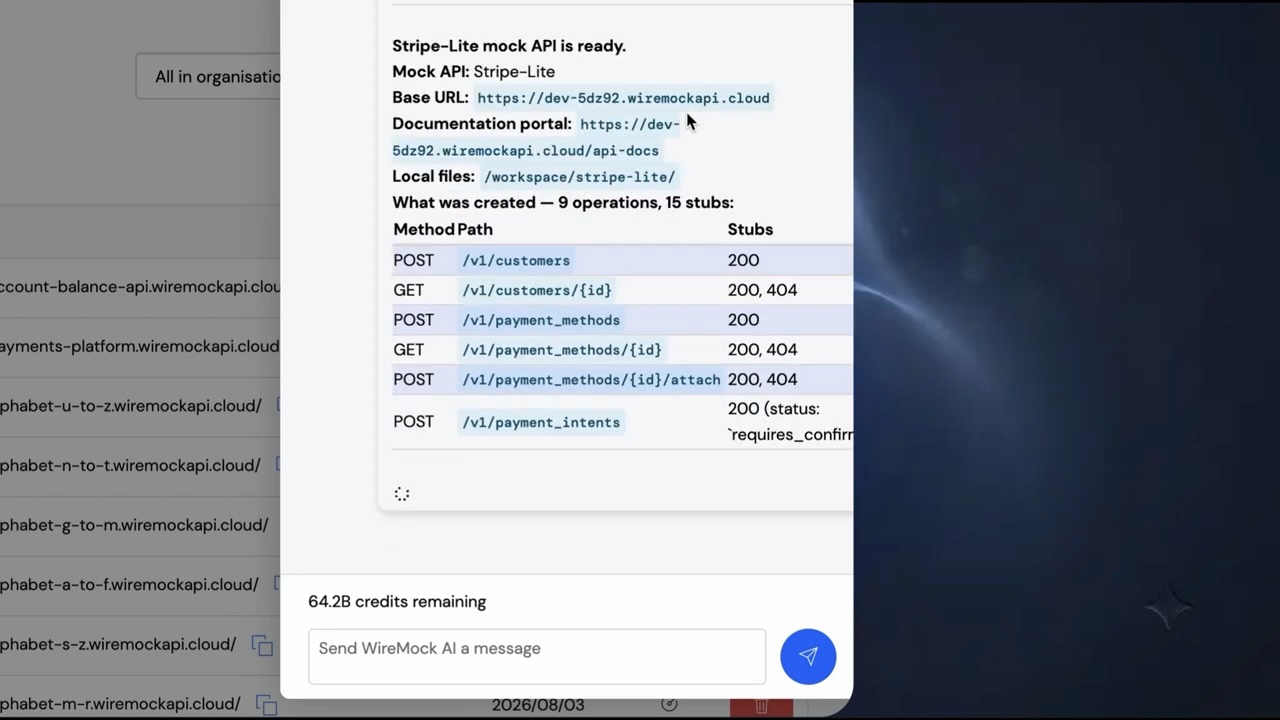
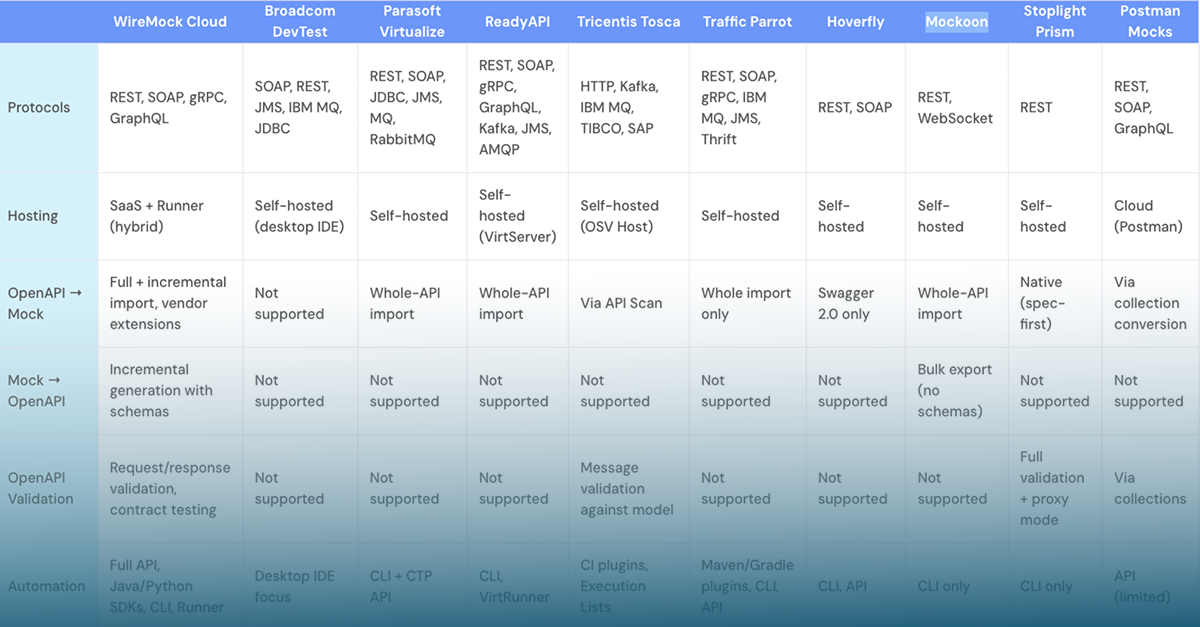
Everything above applies regardless of what simulation platform you use, but only WireMock Cloud is designed for modern applications from the groud up. With per-stub latency configuration, fault injection that layers on top of delays without replacing them, and enough throughput headroom that the simulations themselves itself doesn’t become a bottleneck, WireMock Cloud is optimized for effective load testing. We’ve also focused on robust recording and AI-simulation capabilities that take away the last common bottleneck: Teams don’t have the time to build robust simulations. With WireMock Cloud, you get a prod-realistic, stateful simulation in minutes with almost no effort.
The infrastructure side matters too. WireMock Cloud runs on dedicated instances scaled to 5,000-20,000 transactions per second, with environment isolation so your performance test doesn’t collide with another team’s functional suite. If your simulation platform introduces its own latency variance or hits a throughput ceiling mid-test, you’re back to measuring the wrong thing.
How it works:
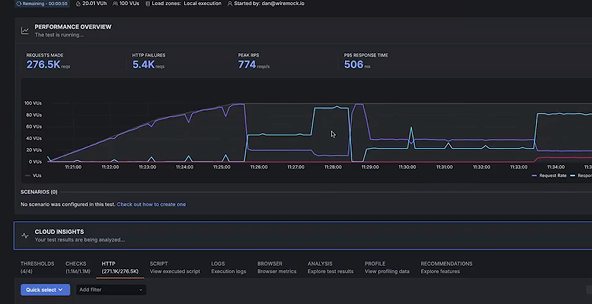
In this video, we can see how a load generator hits your service, which calls simulated APIs in WireMock Cloud instead of real dependencies. Start with zero-delay stubs for your baseline, then dial in production-representative latency — per-stub (500ms fixed on a slow pricing API) or globally (random uniform between 50ms and 250ms). You watch your P99 climb from 18ms to a second, your throughput drop from 800 to 300 requests per second, and you know exactly what caused it because you set the values. Then layer chaos on top: a 1% error rate from upstream APIs, a rate limit of 90 requests per second on one service. Your checkout starts throwing 503s when it hits three consecutive upstream failures — and now you’re tuning retry thresholds against measured data instead of guessing.
Each layer stacks on the last — delays stay active when you add errors, errors persist when you add rate limits — so you’re building toward a realistic production profile one variable at a time. Peel layers back to confirm your system recovers cleanly.
Want to see how WireMock Cloud would fit in to your testing strategy? Get in touch with our solution architects.