Ask a coding agent to build an app that takes payments, signs users in and calls an LLM. Pretty soon, it will stop to ask you for keys. Someone has to create the accounts, verify an email and set up each vendor’s sandbox (which may or may not support what you want it to do). Since you usually don’t want agents creating credentials, it either waits for you or writes a fake of the API based on whatever publicly available information it finds.
WireMock Templates offer a faster, more token-efficient, and more accurate way to build and test against simulated APIs.
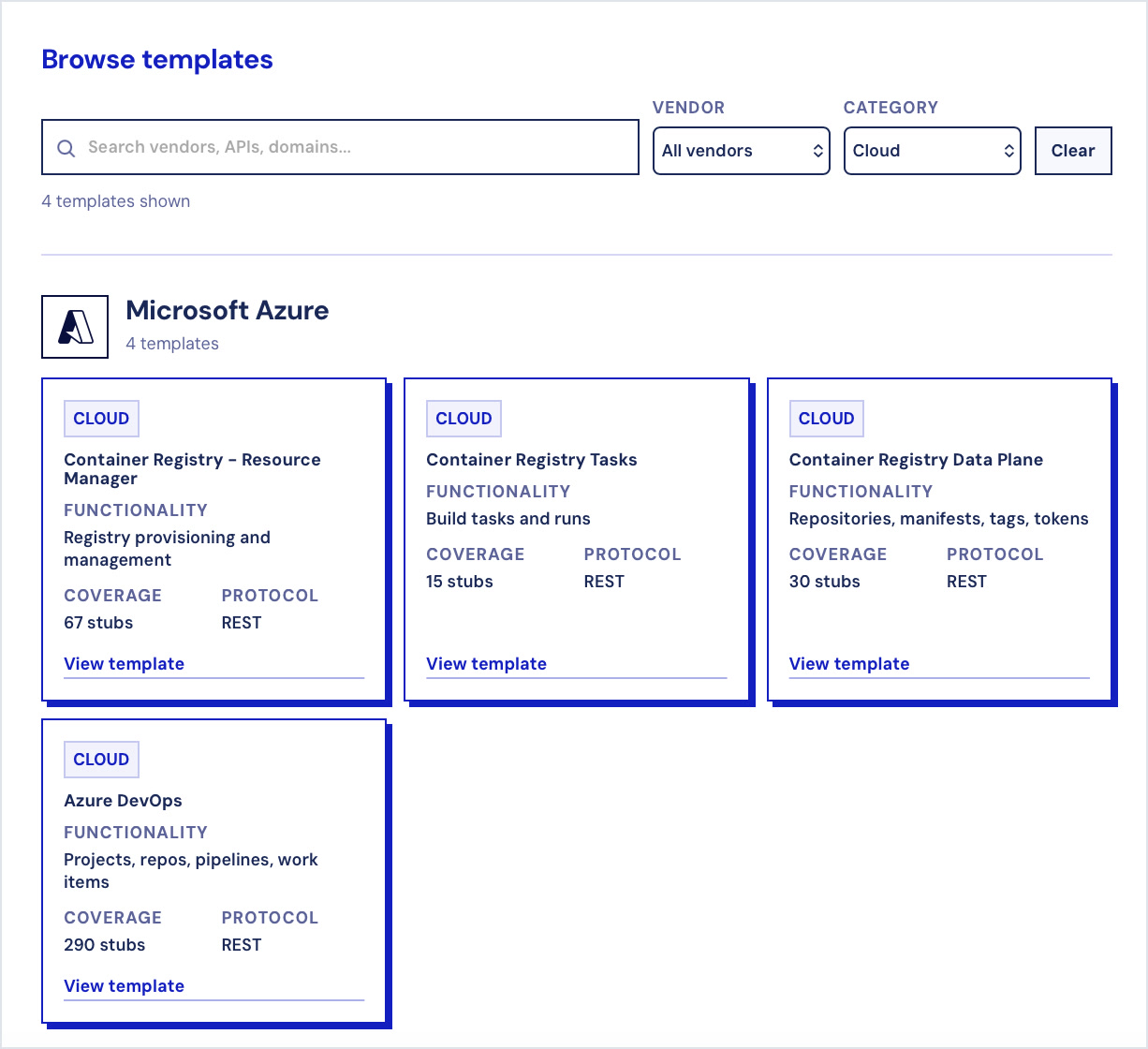
How WireMock Templates Work
A template is a ready-made simulation of a real API, hosted for you. It takes the same calls as the real service and answers in the same format, so your app or agent can use it in place of the real thing by changing the base URL.
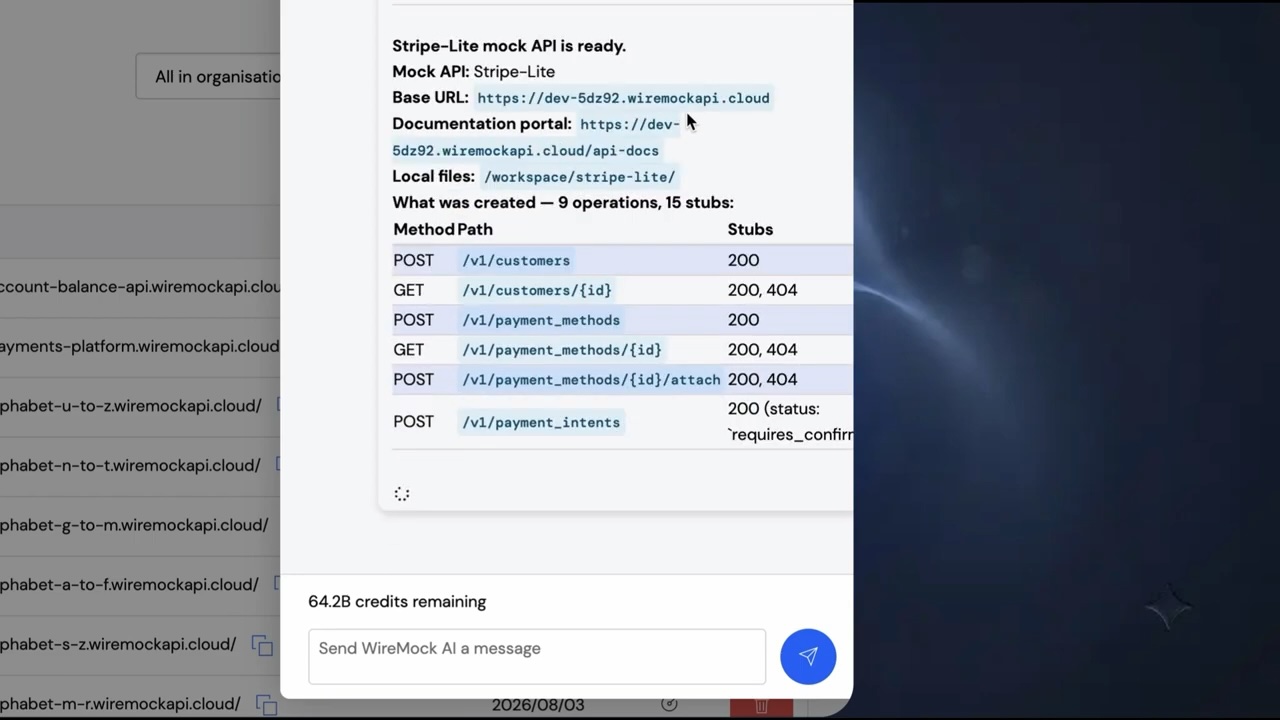
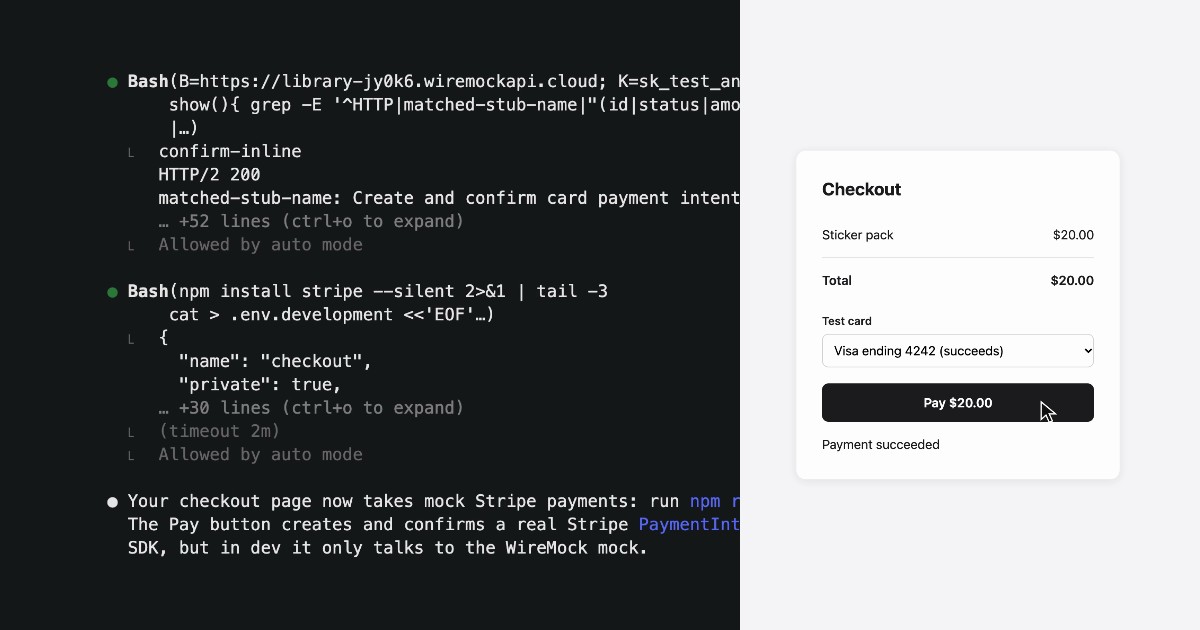
Currently there are 100+ templates from 20 vendors, including Stripe, OpenAI, Claude, Gemini, GitHub, Okta and Google Sign-In. Nearly all of them have a public URL that you (or your agent) can call right now. Here’s how this would look:
We’re planning to release many more templates in the coming months, so watch this space.
Not Just Mocks
A hand-written mock returns what someone remembers about an API. Templates start from the vendor’s API description, and then get checked against the real thing: before a template is published, we run our own AI agents against real API endpoints through WireMock’s recording proxy, and the recorded traffic is used to verify each stub’s request and response behavior.
The result is templates that behave like the service, not just look like it. A spec tells you what a response looks like, not which response you’ll get. A real service decides that from what you send and what already happened. Many templates do the same: they match on your request, build the response from it and often remember the result, so each path in your code actually runs. For example:
- Who signs in decides what comes back. The Google Sign-In template serves a mock sign-in page, redirects back with a code and issues an
id_tokenwith a genuine RS256 signature, which verifies against the template’s own keys. Sign in as Ada Lovelace, anduserinforeturns Ada Lovelace. - The card decides what happens to the payment. On the Stripe template,
pm_card_visasucceeds.pm_card_chargeDeclinedInsufficientFundsreturns a 402card_errorwithdecline_code: insufficient_funds.pm_card_threeDSecure2Requiredstops atrequires_action. Stripe’s published spec doesn’t mention any of these cards. - What already happened decides the next answer. On the Stripe template, charge $20 and refund $5, and the charge shows
amount_refunded: 500(Stripe counts in cents) andrefunded: false. Refund again with no amount, and the template works out the remaining $15 and showsrefunded: true.
On the public endpoints, responses use sample data. The Claude template answers every message with “Hello to you!”, and a GitHub issue comes back titled “example issue” whatever you sent. For dynamic state, data sources and more, set the template up in WireMock Cloud.
Stateful Where it Matters
Some templates remember what you do, so you can test a whole flow and not just single calls.
With the Stripe template, a customer you create comes back when you retrieve it, takes metadata updates and reads as deleted after a DELETE. A confirmed PaymentIntent gets a linked charge. Others keep state too: a Plaid transfer can be fetched by the id it was given, and an Azure container registry you PUT comes back from a GET with your region and SKU.
Where this was not viable on a public endpoint, the templates return fixed responses, and you can use WireMock Cloud to add stateful behavior. Each template’s page describes how it behaves.
No Login, Nothing to Install
Try this now:
curl -s -X POST 'https://library-jy0k6.wiremockapi.cloud/v1/payment_intents' \ -d 'amount=2000¤cy=usd&payment_method=pm_card_visa&confirm=true'There’s no account, API key or package involved. The official SDKs work by changing the base URL:
import anthropic
client = anthropic.Anthropic(    base_url="https://2284d.wiremockapi.cloud",    api_key="any-value",  # accepted, never validated)
The sandboxes also accept calls from a browser, so even a static page can use them.
These are shared, public sandboxes, so a few things follow:
- Never send a real key or real data to them.
- On stateful templates, lists include what other visitors created, so look objects up by id.
- Rate limits apply on the public endpoints - if you need to use these for, e.g., load testing, get in touch.
Customize it and make it private
Click Open in WireMock Cloud on any template page to get your own copy in a WireMock Cloud account. In your copy you can:
- edit the stubs and add your own;
- add the failures the shared sandbox won’t give you, like a 429 from OpenAI or a 529 from Claude;
- add stateful scenarios and dynamic response templating;
- see every request your code made in the request log;
- keep your data away from other sandbox visitors, and reset it between test runs;
- put authentication on your mock, so only your team and your CI can call it.
Your agent can do this work too, through WireMock’s MCP server and Agent Skills.
Make it Easier for Claude, Codex, or Other Agents to Find WireMock Templates
Your agent can’t use templates it doesn’t know about. Put them in the file it reads at the start of every session, and it finds them without being told, so you stop repeating yourself and it stops asking for keys.
Most agents read an AGENTS.md file. Claude looks for a CLAUDE.md file first - so if you’re using Claude, you should first add this one line to CLAUDE.md:
@AGENTS.mdThen add the following to AGENTS.md, keeping only the APIs your project relies on:
## Third-party APIs: use mock APIs in development and tests
Use these WireMock mock APIs by default while building or testing. Don't call real third-party APIs or ask for real keys unless asked to.They need no account, and any API key value works.
| API | Mock base URL | How to point the client at it || --- | --- | --- || OpenAI | https://o9d7e.wiremockapi.cloud | `base_url` in the client, or `OPENAI_BASE_URL` || Anthropic (Claude API) | https://2284d.wiremockapi.cloud | `base_url` in the client, or `ANTHROPIC_BASE_URL` in the app's own config || Google Gemini | https://8131q.wiremockapi.cloud | `http_options=HttpOptions(base_url=...)` || Stripe | https://library-jy0k6.wiremockapi.cloud | `base_addresses={"api": ...}` in StripeClient, or `stripe.api_base` || GitHub REST API | https://1k3k3.wiremockapi.cloud | `baseUrl` in Octokit, or `GITHUB_API_URL` || Google sign-in | https://jy806.wiremockapi.cloud | use it as the OIDC `issuer`; endpoints are in `/.well-known/openid-configuration` |
Rules:- Read the base URL from config or an env var, never hard-code it, so production still uses the real API.- Use placeholder keys like `sk_test_any_value`. Never send a real key to these URLs: they are public.- Responses are fixed examples. Don't treat their content as real data.- Endpoints and SDK examples for each API: https://www.wiremock.io/api-mocks- Never put `ANTHROPIC_BASE_URL` in a shell profile or `.envrc`. Set it only in the app's own `.env` or test config.
The last rule matters if you use Claude Code. It reads ANTHROPIC_BASE_URL for its own requests, so if you export it in your shell, Claude Code itself will talk to the mock.
The other 100+ templates work the same way: copy the base URL from the template’s page into the table.
Use it in development and testing
In development, let the agent build and run against the shared sandboxes. Keep the URLs and placeholder keys in a file your app loads, so production only needs the real values:
STRIPE_API_BASE=https://library-jy0k6.wiremockapi.cloudSTRIPE_SECRET_KEY=sk_test_any_valueIn tests, point your SDK at the same URL and assert on what your code controls: the calls it makes, and how it handles each response. This test passes against the Stripe template as written:
import os
import pytestimport stripe
client = stripe.StripeClient(    os.environ["STRIPE_SECRET_KEY"],    base_addresses={"api": os.environ["STRIPE_API_BASE"]},)

def pay(card):    return client.v1.payment_intents.create({        "amount": 2000,        "currency": "usd",        "payment_method": card,        "confirm": True,    })

def test_good_card_is_charged_and_stored():    intent = pay("pm_card_visa")    assert intent.status == "succeeded"    # Look it up by id: the shared store also holds other people's objects.    assert client.v1.payment_intents.retrieve(intent.id).latest_charge

def test_declined_card_gives_the_real_error():    with pytest.raises(stripe.CardError) as err:        pay("pm_card_chargeDeclinedInsufficientFunds")    assert err.value.code == "card_declined"    assert err.value.error.decline_code == "insufficient_funds"
In CI, move to your own copy once you depend on it - this requires a WireMock Cloud account. The shared sandbox is public and rate limited, and its data is shared. Your copy has its own URL, your own failure cases and state you can reset. Your tests don’t change, only the variable does:
env: STRIPE_API_BASE: ${{ vars.STRIPE_API_BASE }} # your WireMock Cloud copy STRIPE_SECRET_KEY: sk_test_any_valueBrowse all 100+ templates at wiremock.io/api-mocks
Vendor names identify the APIs that WireMock templates represent. They don’t imply vendor endorsement, certification, partnership or official integration status.