WireMock Runner brings API simulation deeper into your workflow. Now you and your agents can manage pre-production environments from the CLI or IDE, record APIs in your local network, and promote mocks through CI/CD pipelines.
Your mock APIs are versioned files that can be pulled, committed, and code-reviewed like anything else. Agents can record and spin up a simulation through simple CLI commands, or using the WireMock MCP.
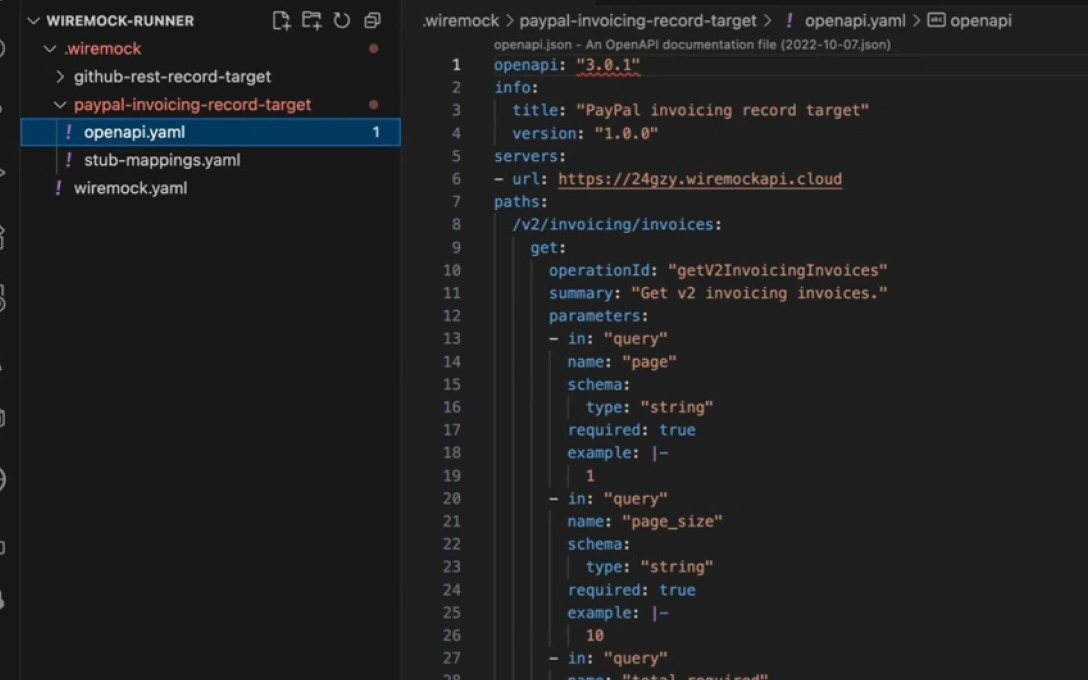
Point the CLI at any endpoint, including internal services behind your firewall, and record it into an editable simulation. Traffic never has to leave your network; your agents get to build against the private APIs they'd otherwise never reach in a bounded cleanroom that you control.
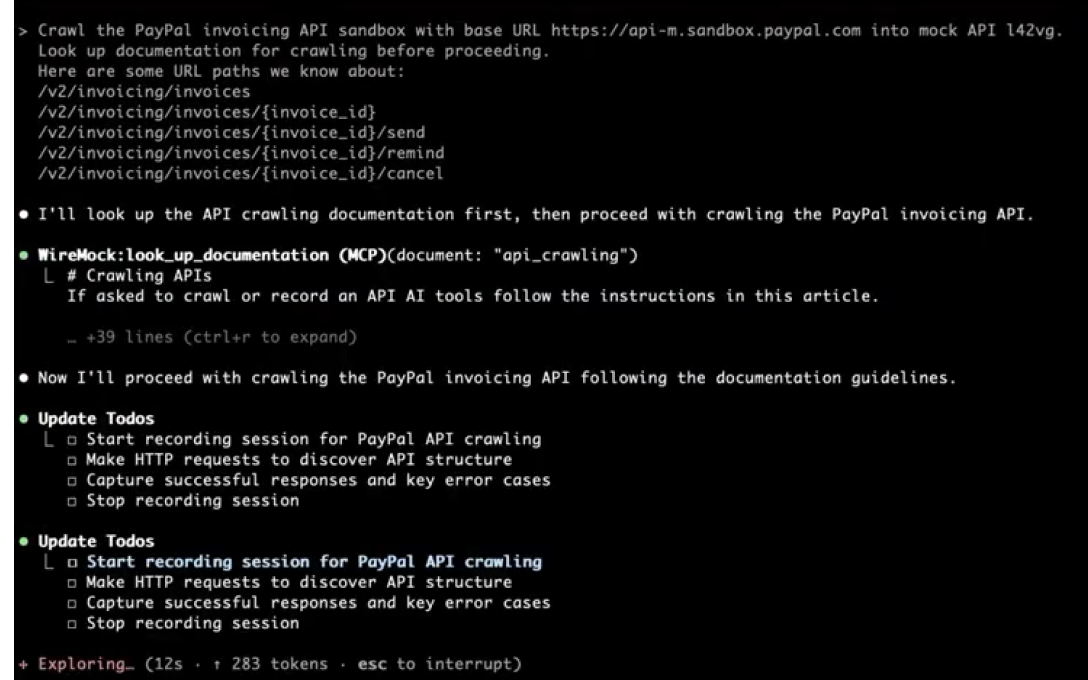
Bring the entire simulated environment up on a laptop in seconds. No shared staging to queue for, no flaky remote dependencies to blame. Claude Code, Cursor, or any agent gets a fast, deterministic sandbox to write and verify code against, then tear down when the task is done.
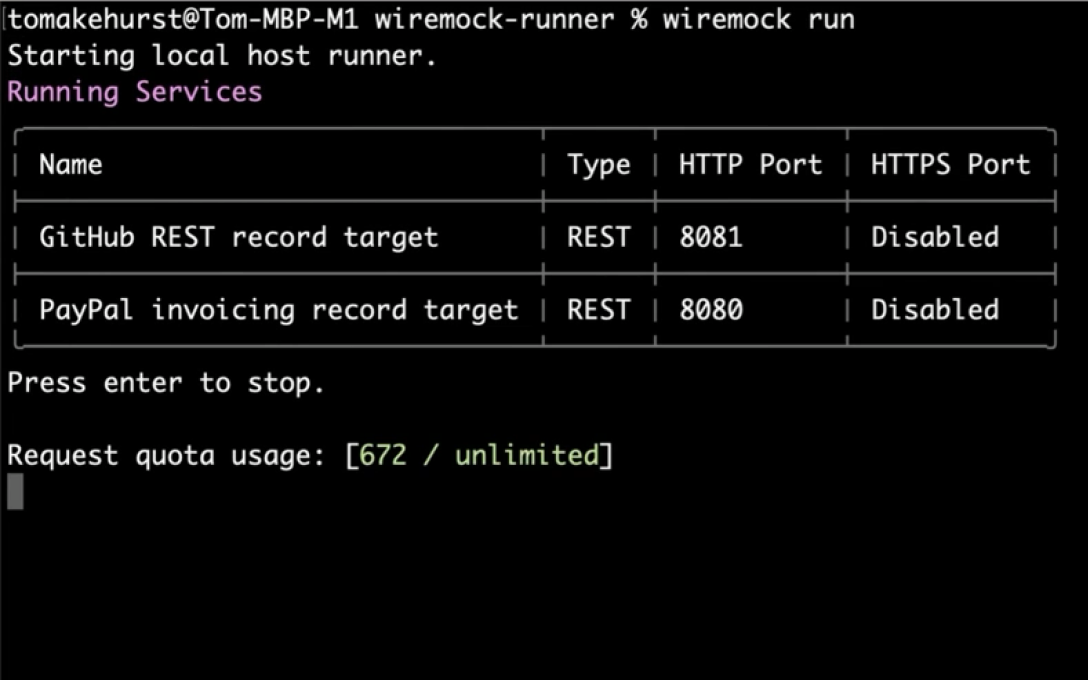
Install the CLI and bring your first simulation up locally in under a minute — or get the guided tour.